

Modern local-first PDF editor
A modern local-first PDF editor for desktop work.
FaberPDF helps you sign, edit, annotate, and validate PDFs without uploading documents to a browser tool.
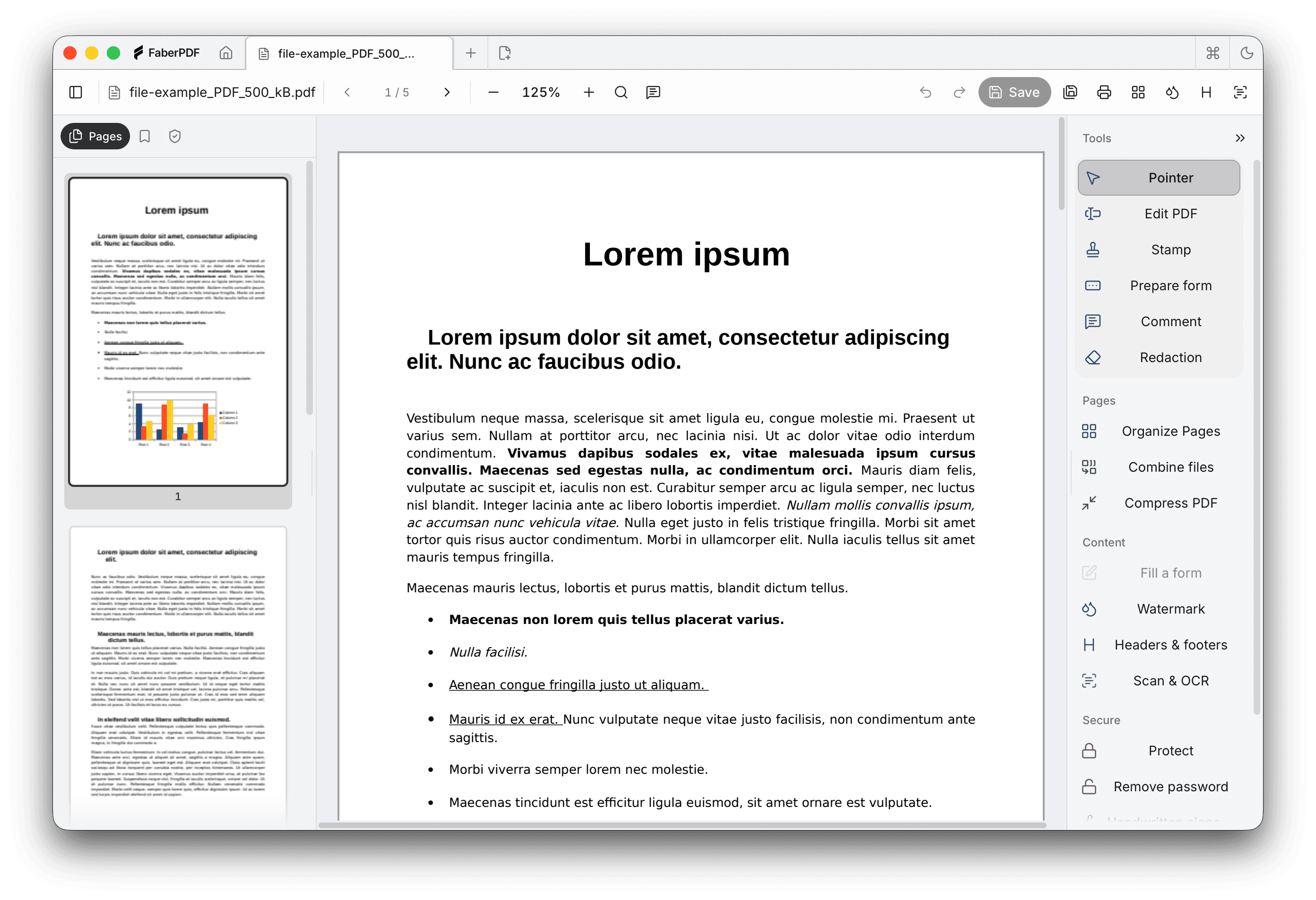
Local-first PDF work
Handle everyday PDF jobs without moving the file out of your workflow.
Open the PDF on your desktop, sign or edit what matters, save it, and move on. The current build is a beta, but the product promise is simple: practical PDF work stays local.
Sign and review documents locally
Add signatures, notes, and marks in the desktop app before saving the finished PDF.
Make focused PDF edits
Correct small text issues and practical document details without rebuilding the file from scratch.
Keep sensitive PDFs off browser tools
Work from a local desktop app so document review does not begin with an upload.
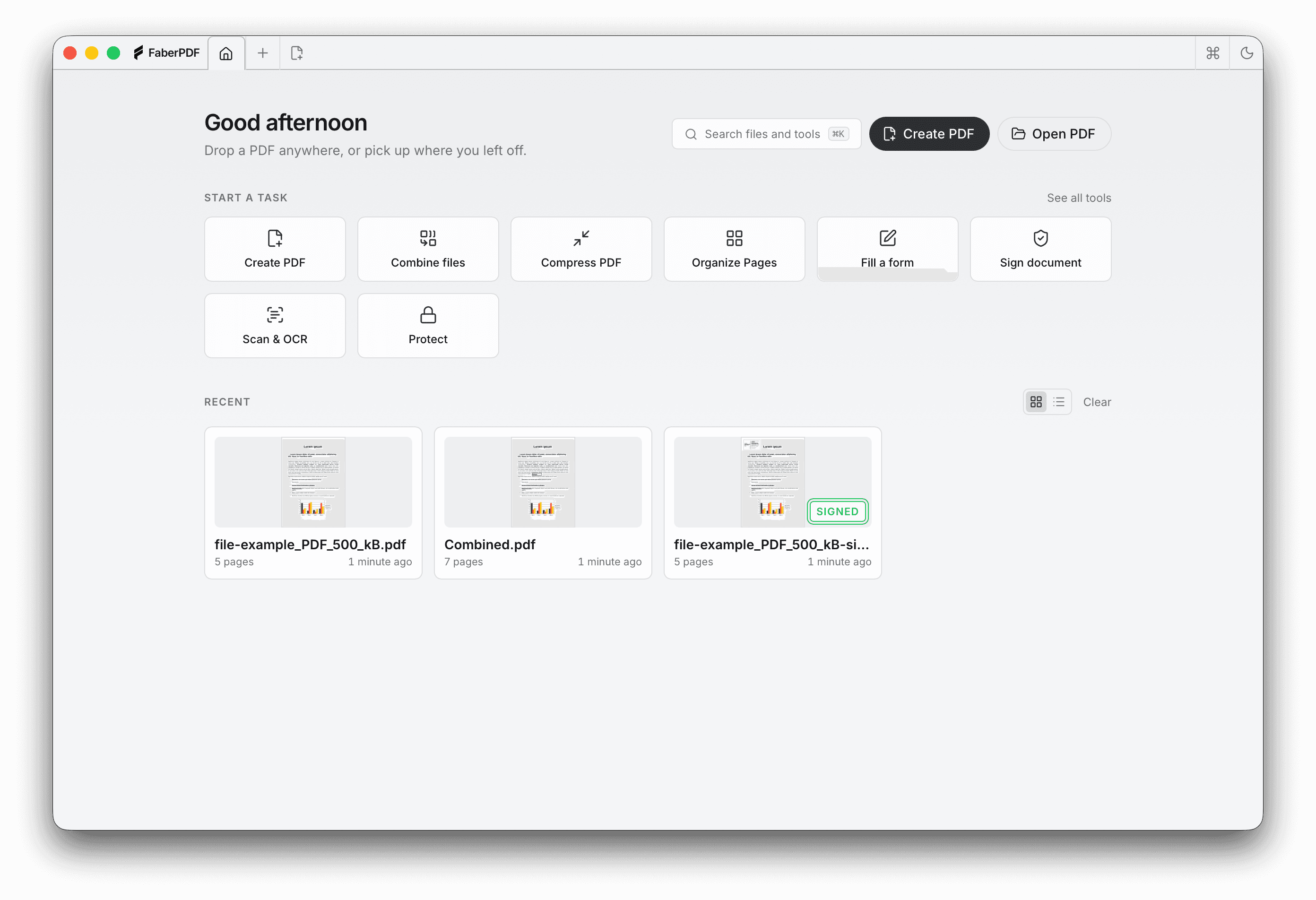
Actual product
See the desktop app before you install it.
The page uses real FaberPDF screens so you can judge the workflow before downloading the app.
Why try it
Built for the PDF work people actually repeat.
Signing a document, marking up a page, validating a file, or fixing a small text issue should not require a cloud round-trip.
Currently in beta
Try the current desktop build while FaberPDF is shaped around real PDF workflows.
Clear desktop builds
Install on Windows through Microsoft Store or download the matching macOS build directly.
Feedback improves the app
Send bugs, friction, missing workflows, or quick notes with an optional reply email.
Feedback
Help shape the beta around real PDF work.
If a signing, editing, annotation, or validation workflow feels rough, send a short note. Specific examples are more useful than polished essays.
Report a bug
Tell us what happened, what you expected, and which operating system you used.
Describe friction
Point out anything that felt slow, hidden, unclear, or too many clicks.
Request a workflow
Name the PDF job you want FaberPDF to handle better in future builds.
Trust
A desktop editor, not a document upload page.
The website explains the product, hosts installers, and collects feedback. Your PDF work happens inside the desktop app.
Local-first by design
FaberPDF is built around working with files on your desktop rather than processing PDFs on this website.
Feedback stays separate from PDFs
Feedback is sent through Formspree to the site owner. Do not paste sensitive document contents into feedback messages.
FAQ
What to know before downloading.
The current beta is simple to try, clear about installer choices, and explicit about where your files are handled.
Yes. FaberPDF is currently in beta. Install it from Microsoft Store on Windows or download it directly on macOS.